MapToLaser Express · Public beta
Your place.
Your map.
Your making.
Create personalized laser-cut and engraved map designs from real geographic data. A guided workflow takes you from location to downloadable files.
3 free lifetime exports. No payment required.

Four ways to make it
Choose the construction.
Make the details your own.
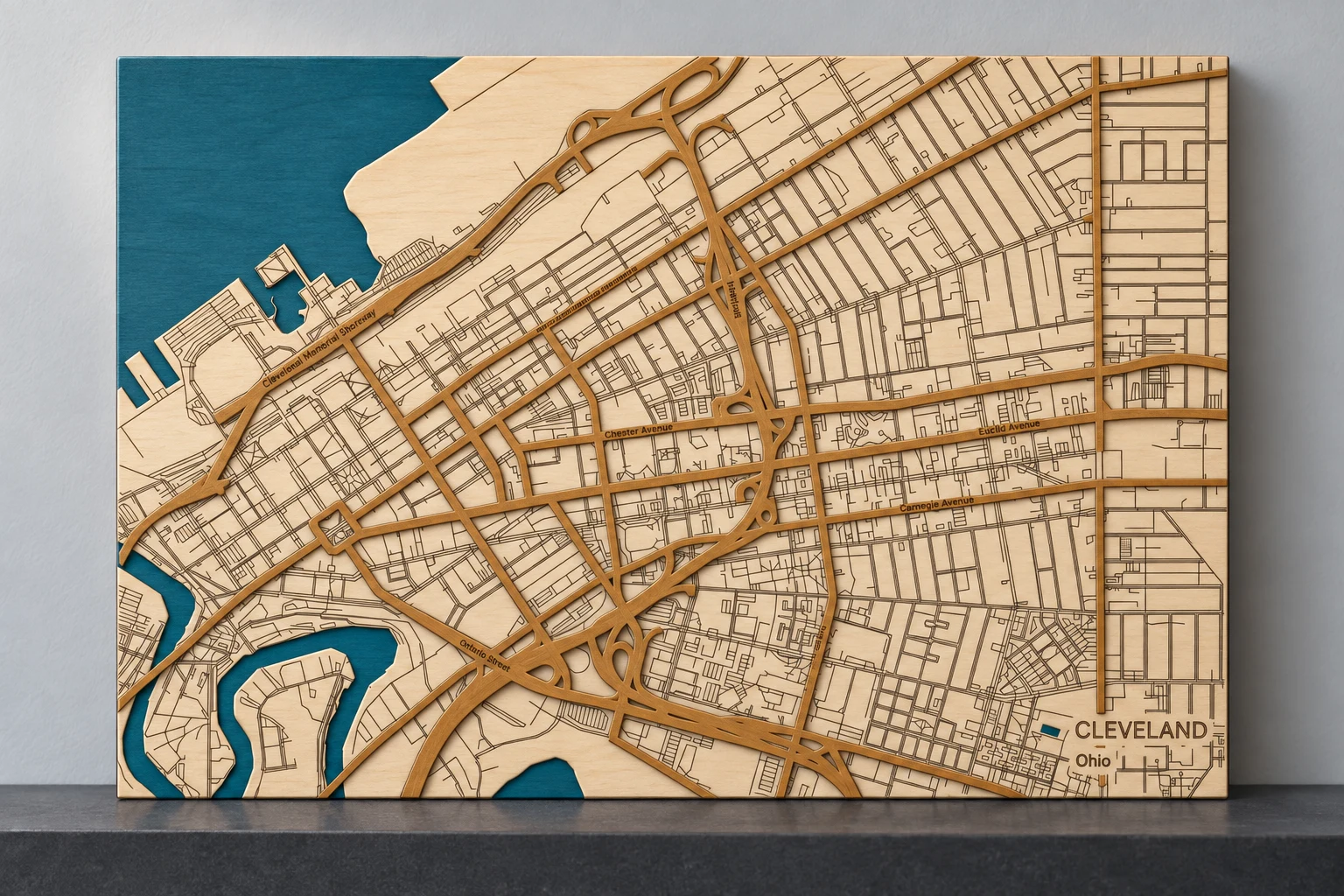
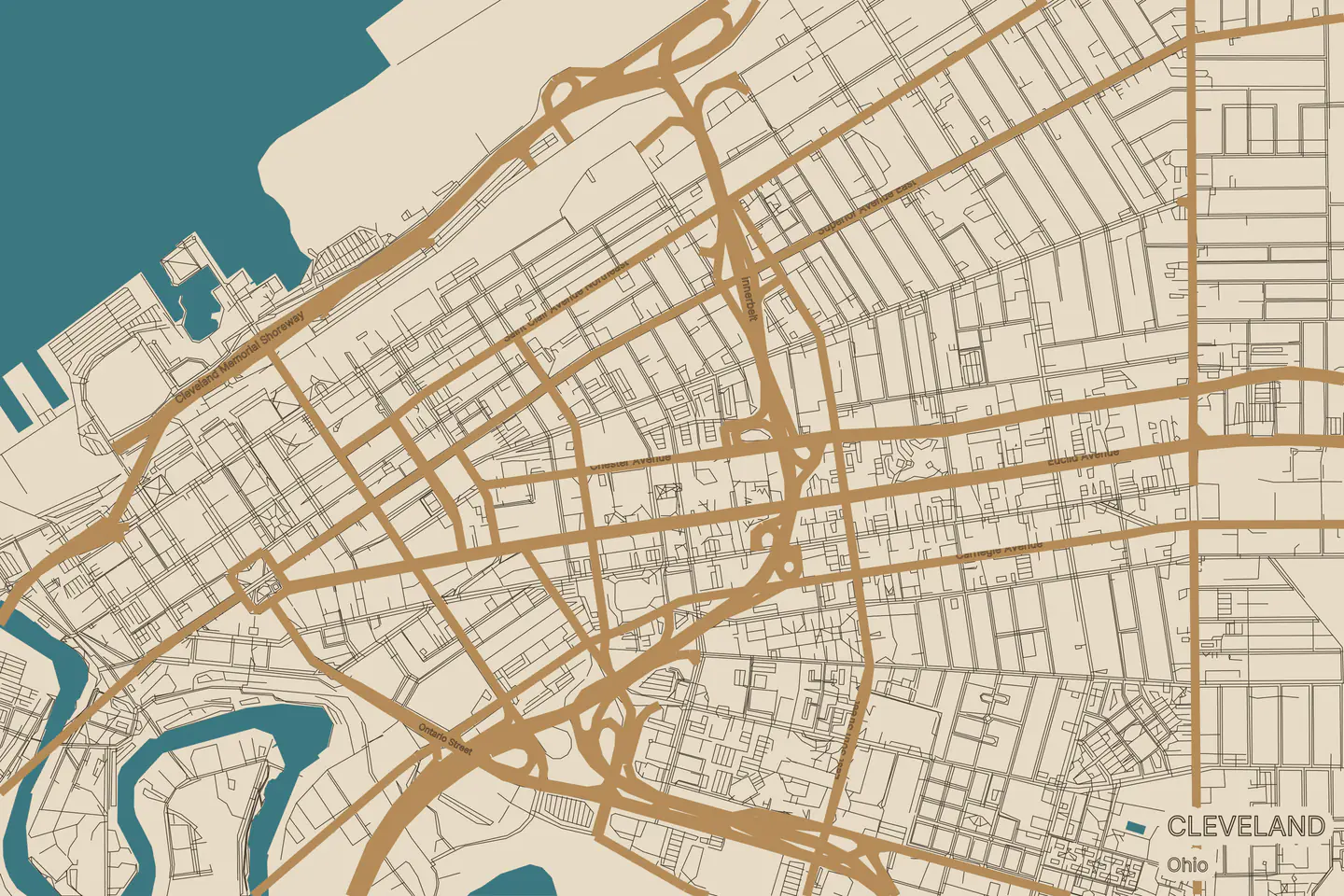
Simulated wood finish · View exact Cleveland map detail
- Engraved MapA single plate with geographic linework and your personal details.
- Layered WaterDecorative shoreline layers, with engraving textures chosen separately.
- Layered StreetsA street network raised above the surrounding map detail.
- Boundary MapA place-shaped outline, with optional water openings and engraved roads.
A place. A design. A project.
A simpler route to your map.
Start somewhere meaningful.
Search for a lake, town or coastline. Set the area and the finished size of your map.
Choose the look and layers.
Select a construction style, choose the details, and personalize the design. Review the preview as you go.
Download. Check. Make.
Export your files, review the production notes, and test your material before the full project.
Room to try it
Make a few maps.
Help shape what’s next.
The beta is open to registered accounts. Explore the design workflow and tell us how it works with your laser.
Free exports per registered account
Total exports for invited beta testers
Lifetime allowances, not monthly credits. The 25-export tester allowance requires an invitation.
Made with MapToLaser
Places with a story.
Maps with character.
Six favorite designs, from Seattle’s lakes to Brooklyn’s streets. Explore the map detail and picture a finish of your own.
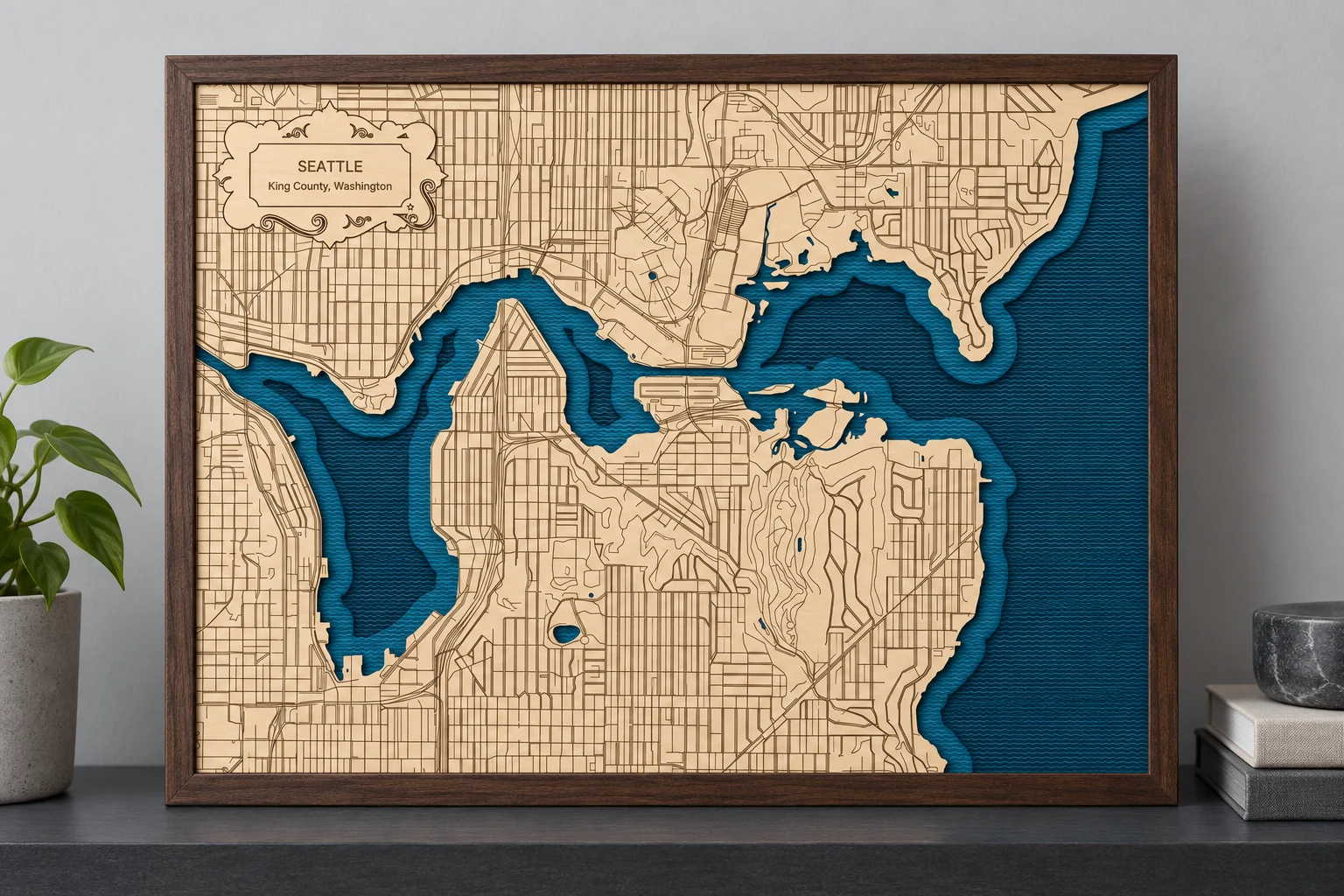
Layered water + engraved streets
Seattle / Lake Union
Lake Union, the Montlake Cut, and a city full of fine detail. A four-piece design with textured water and a personal title.
Simulated finish · 356 × 279 mm design

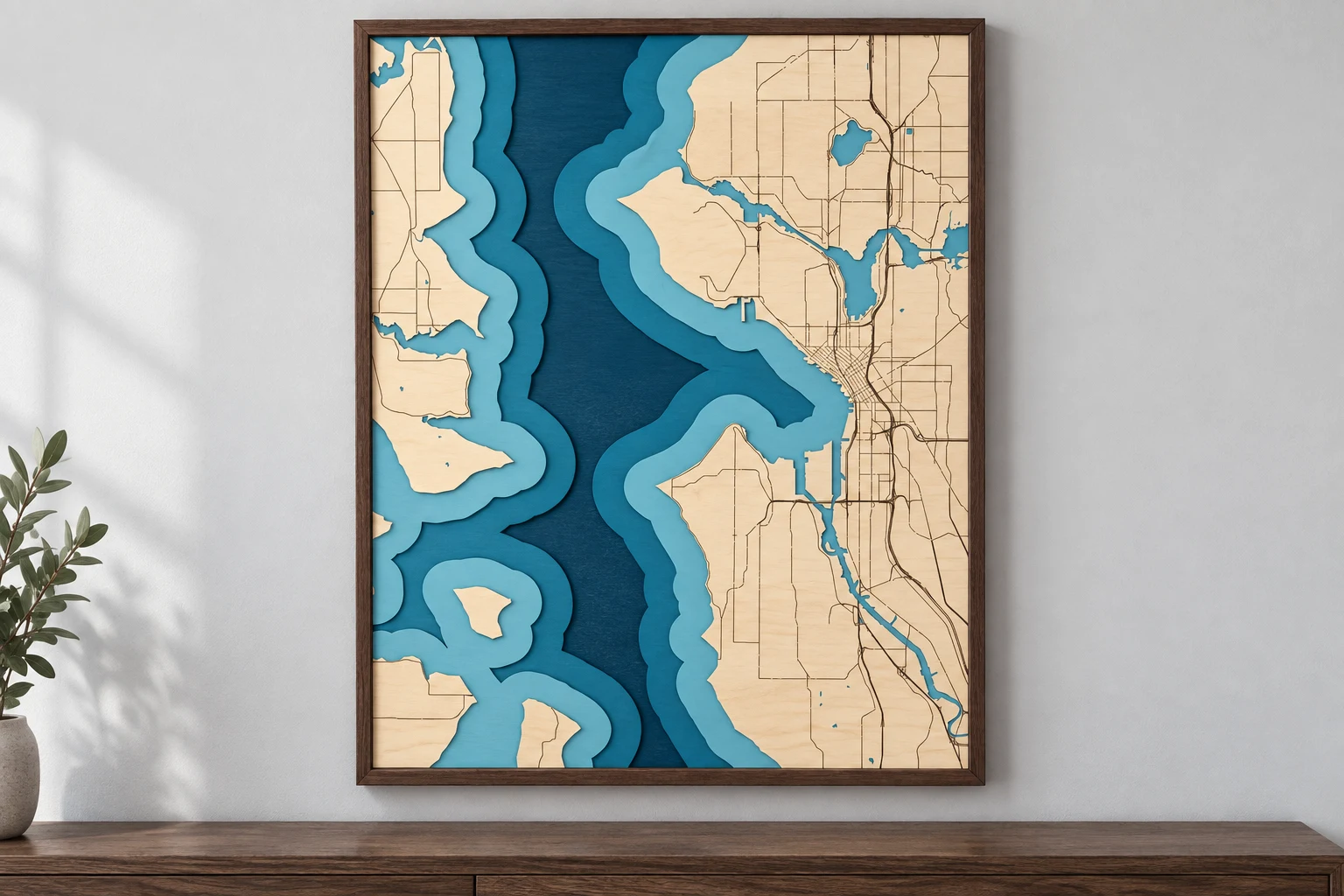
Layered coastline
Puget Sound / Seattle
Island shorelines. City detail. Pacific Northwest character.
Simulated finish · 279.4 × 355.6 mm design

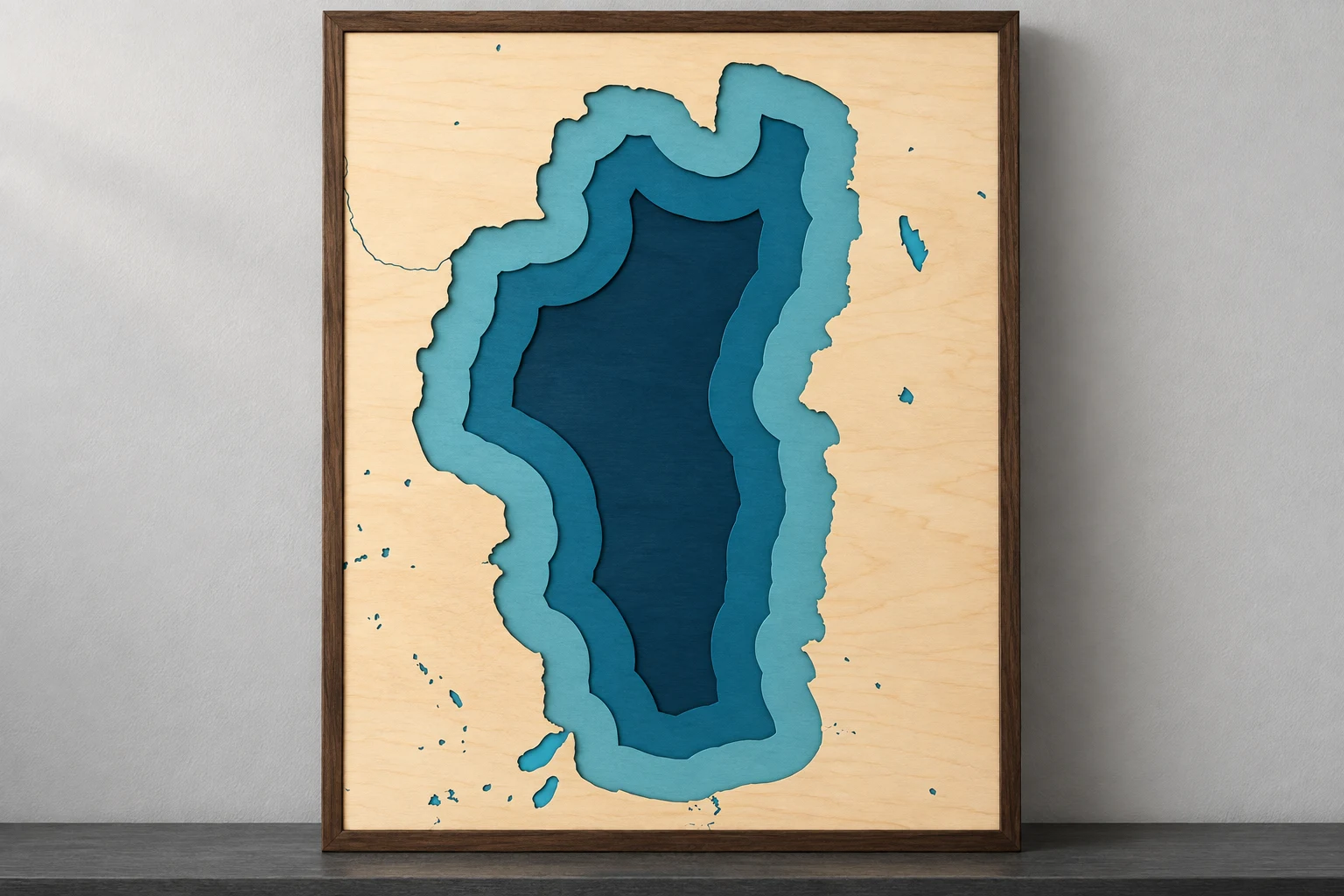
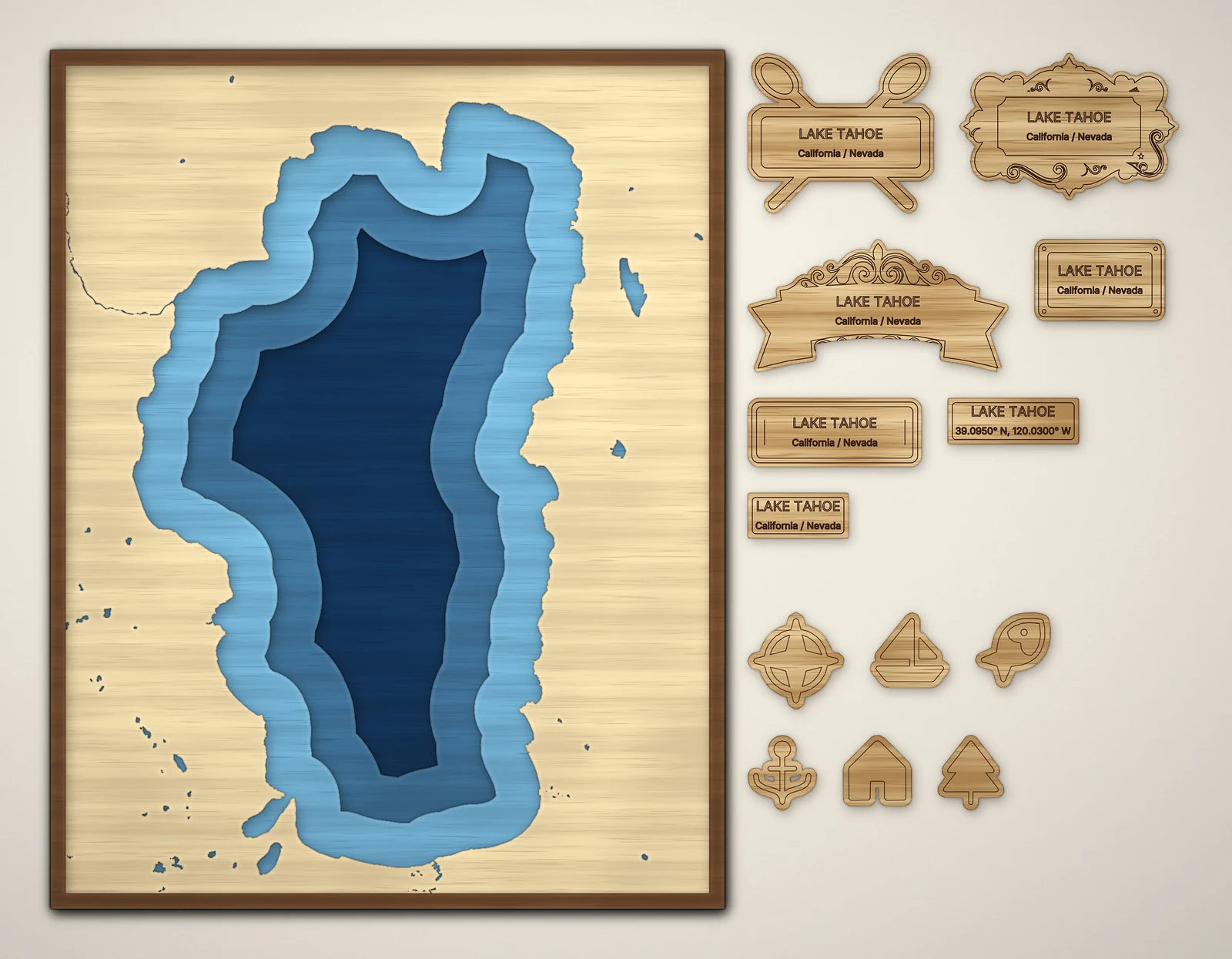
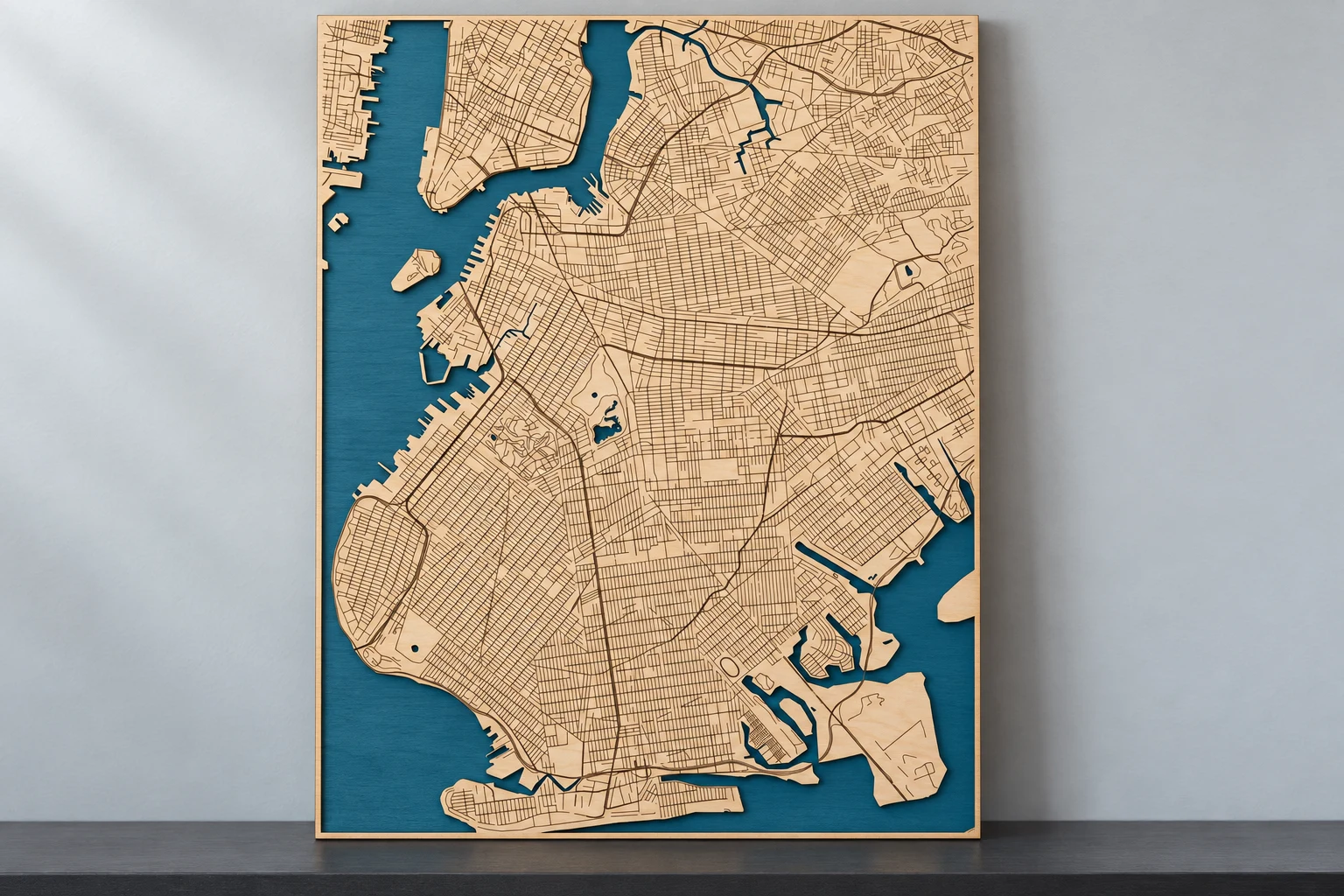
Layered lake
Lake Tahoe
An unmistakable alpine outline, blue shoreline layers, and optional finishing accents.
Simulated finish · 279.4 × 355.6 mm design
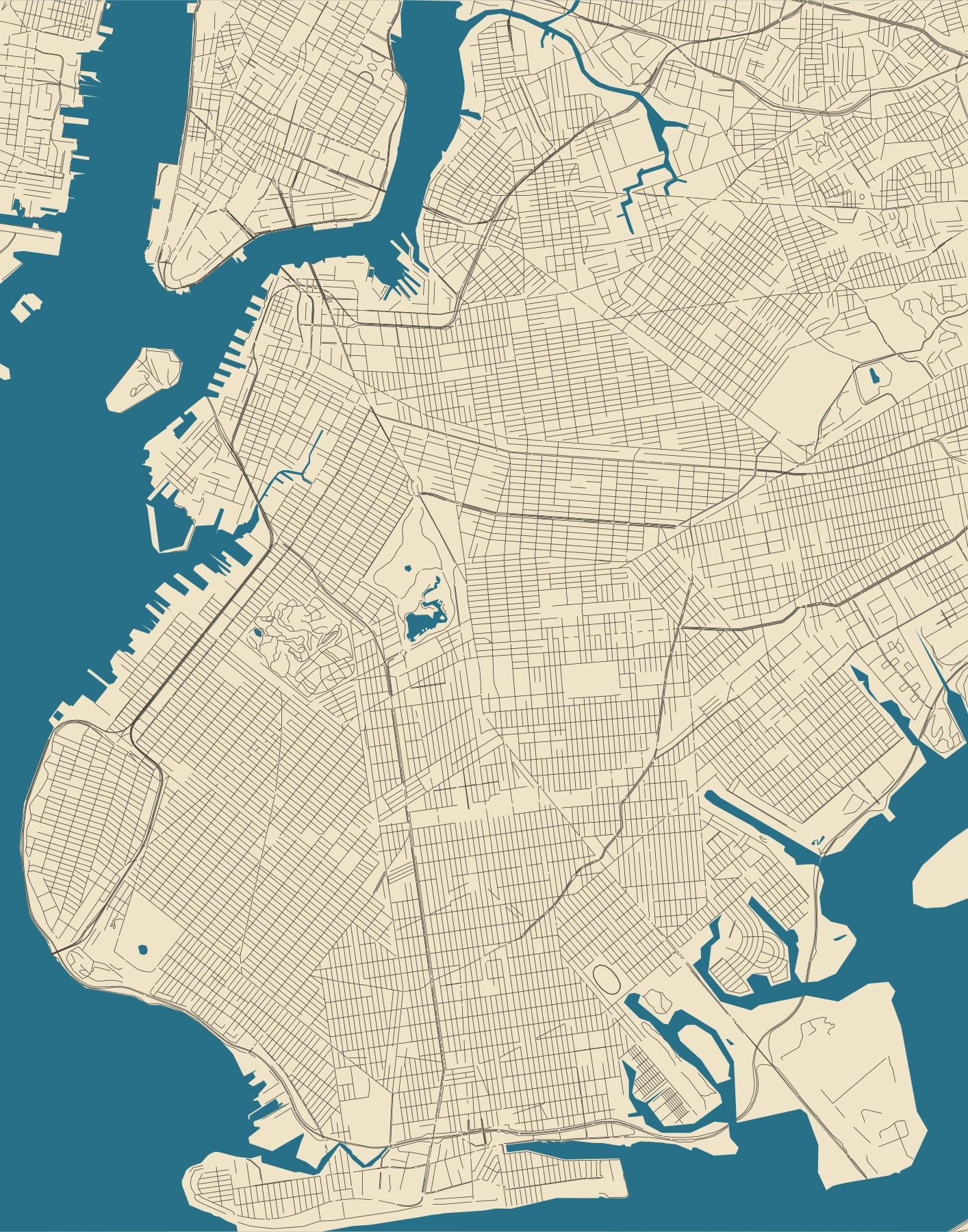
Engraved street map
Brooklyn
A dense neighborhood grid, Prospect Park, and the waterfront in a clean two-layer map.
Simulated finish · 279.4 × 355.6 mm design
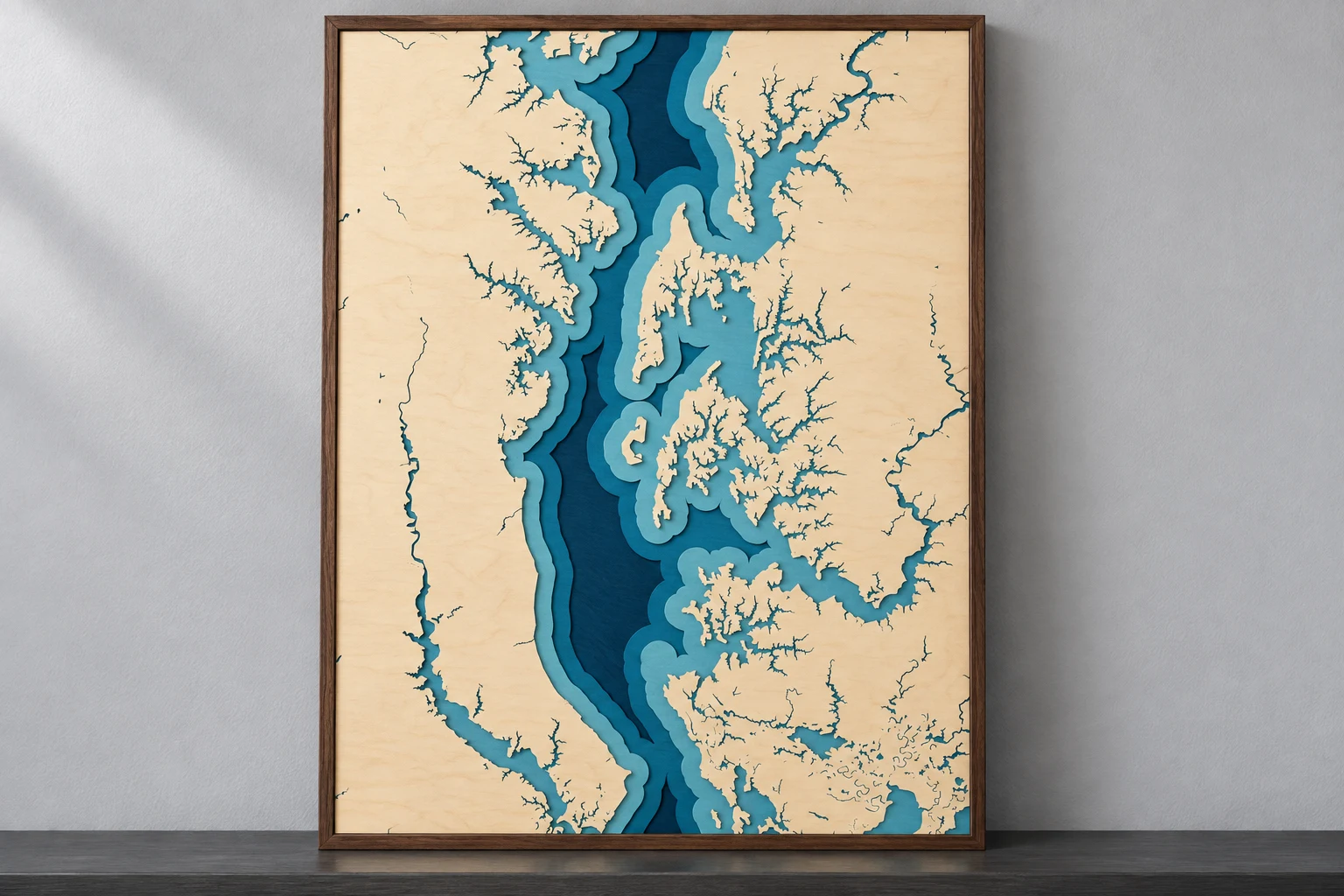
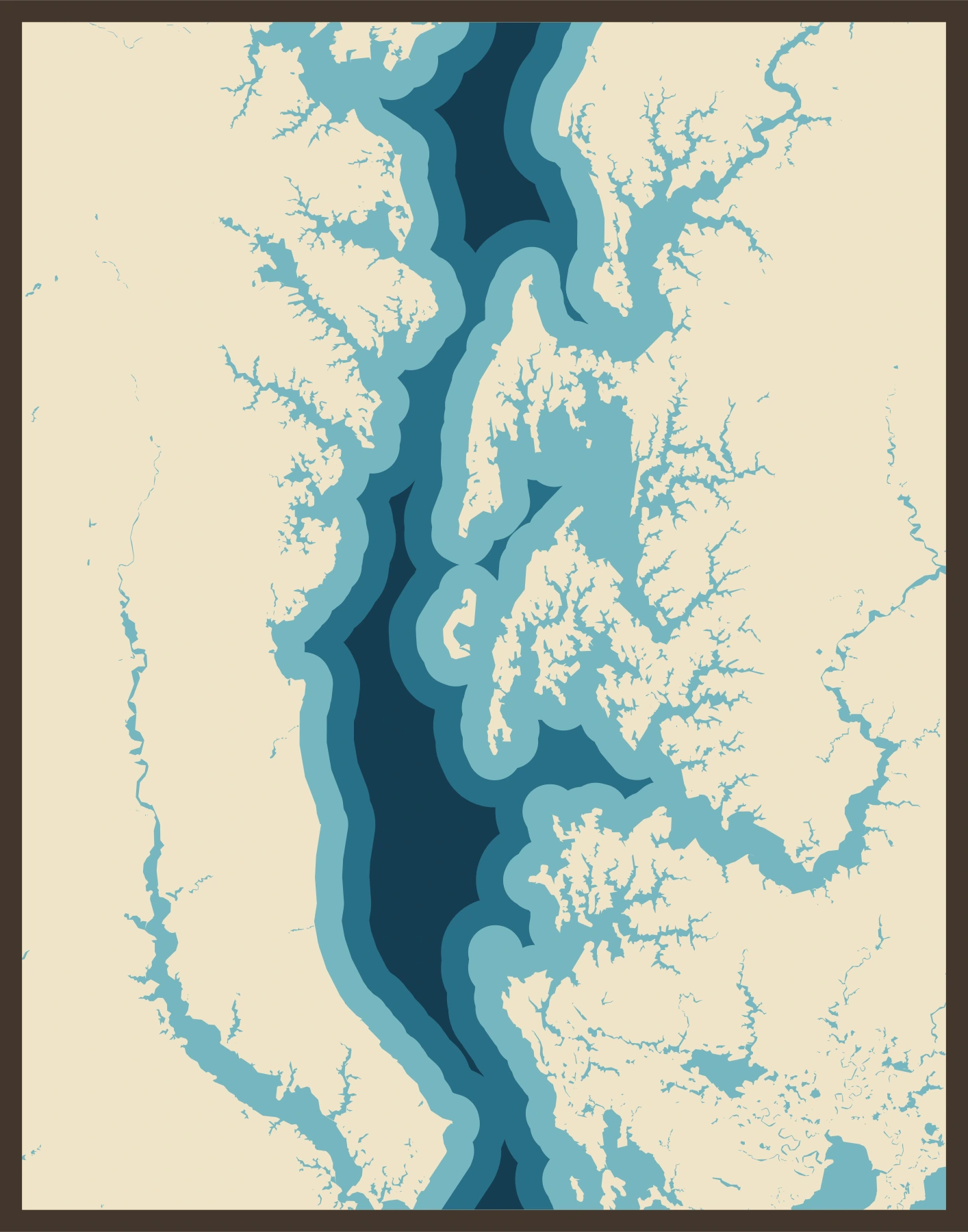
Layered coastline
Chesapeake Bay
Branching creeks, broad water, and intricate Maryland shorelines in decorative relief.
Simulated finish · 279.4 × 355.6 mm design
Layered streets
Cleveland
Lake Erie, the river, and a city’s streets in relief.
Simulated finish · 300 × 200 mm design
Finish images are simulations, not photographs. AI-assisted scenes illustrate possible materials and colors; fine details may differ from the files. The exact map views are rendered from the original vectors. Water steps are decorative shoreline offsets, not measured depths. Tahoe’s separate label and accent options are available in its additional preview.
Before your first map
A few useful answers.
What do I get with the beta?
A registered account includes 3 lifetime map exports. Invited testers receive a total allowance of 25. Previews and design checks do not use an export. One successful new ZIP export counts once, including every piece. These allowances do not reset monthly.
How do I open the designer?
Register on My account, follow the emailed password setup link, and sign in. Then choose Open Designer on your account dashboard. Already registered? Sign in with your existing account.
Are these physical maps or digital files?
MapToLaser Express produces digital design files. You choose the material and use your laser software to cut, engrave, finish, and assemble the project.
Are the water layers measured depths?
No. Layered Water creates decorative relief using stepped shoreline offsets. It does not show measured bathymetry and is not for navigation.
Which places can I map?
The initial service area covers the 50 U.S. states, Washington, DC, and Puerto Rico. Available roads, water, boundaries, and other features depend on the geographic data for the area.
Which files can I download?
SVG and DXF are the base formats, with a PDF assembly guide and source credits. Native LightBurn or xTool files are included for supported designs. Some boundary designs use SVG import instead; the export summary shows your included formats.
What should I check before cutting?
Review the production notes and confirm the operations, dimensions, power, and speed in your laser software. Kerf and material behavior vary. Try a small sample before cutting a full project; physical material testing is continuing during beta.
Already trying the beta? Share what worked and what needs improvement.
Your next project starts
with a place.
Register, sign in, then choose Open Designer.
Map data © OpenStreetMap contributors (ODbL). Lake data: HydroLAKES v1.0 / HydroSHEDS (CC BY 4.0). Geographic data is clipped and simplified for fabrication. Full attribution is included in each export.